Turn a 30-minute video into a publish-ready blog post in 5 minutes
Paste a YouTube link. Get a structured article with timestamped screenshots, SEO meta, and 7 export formats. No editing afterthought.
10 free credits · No card required · Cancel anytime
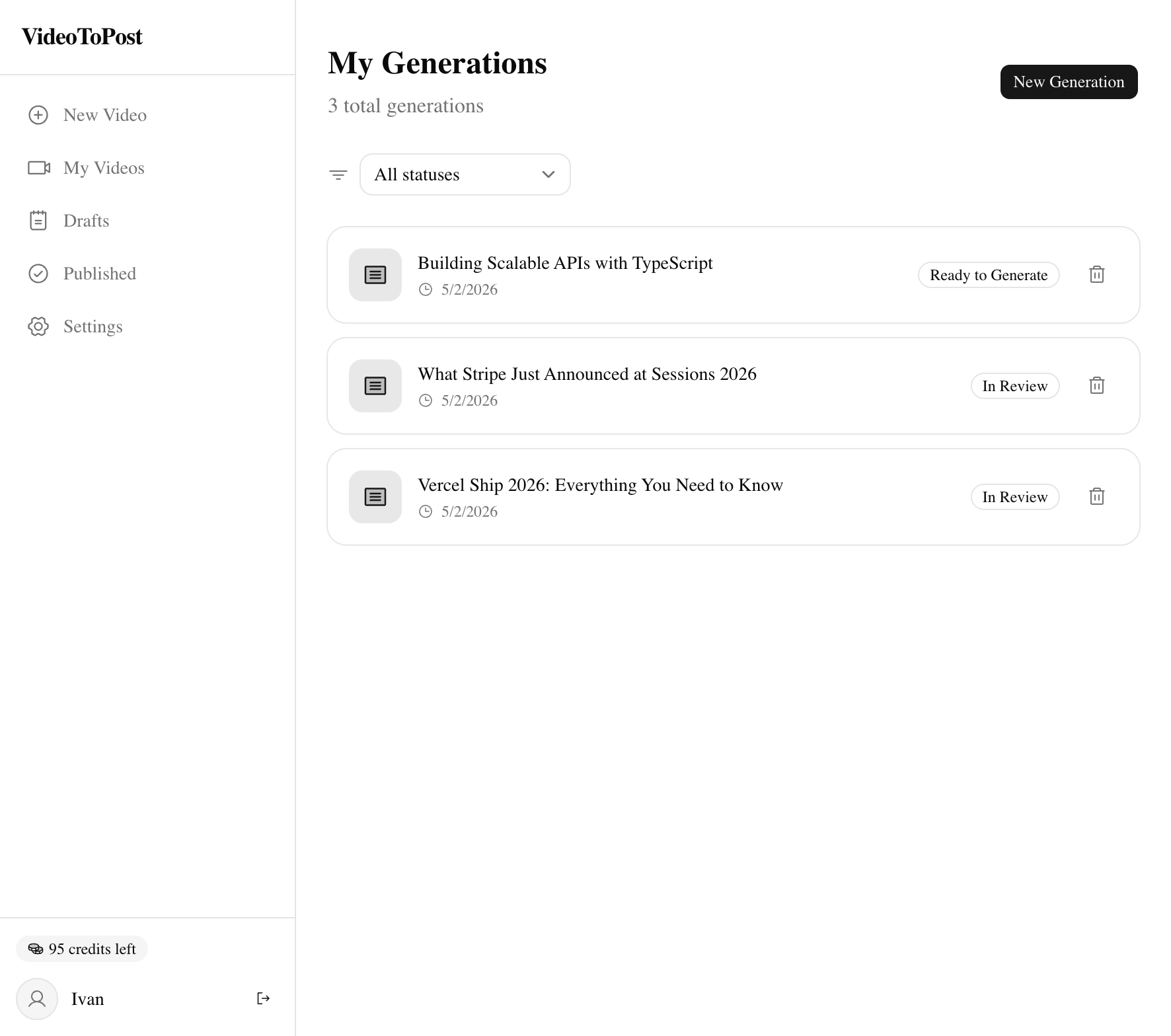
From video to article. Side by side.
Watch the transformation in real time.
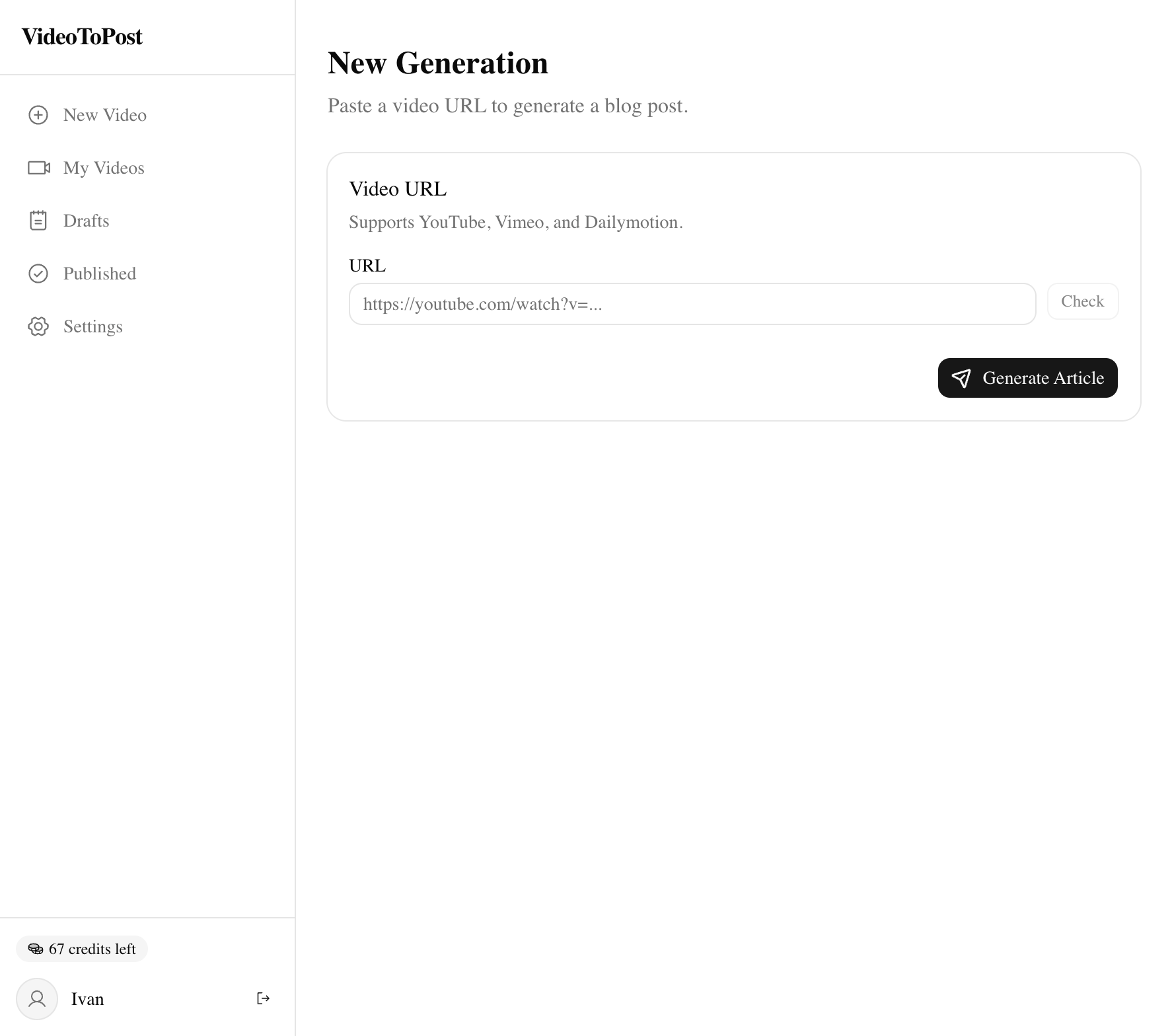
How it Works
Three simple steps from video to published article.
Paste a URL
VideoToPost works with YouTube and other video platforms. Just paste the link — no downloads or plugins needed.
AI Processes
The pipeline transcribes audio, identifies key visual moments, captures screenshots, and prepares your content for generation.
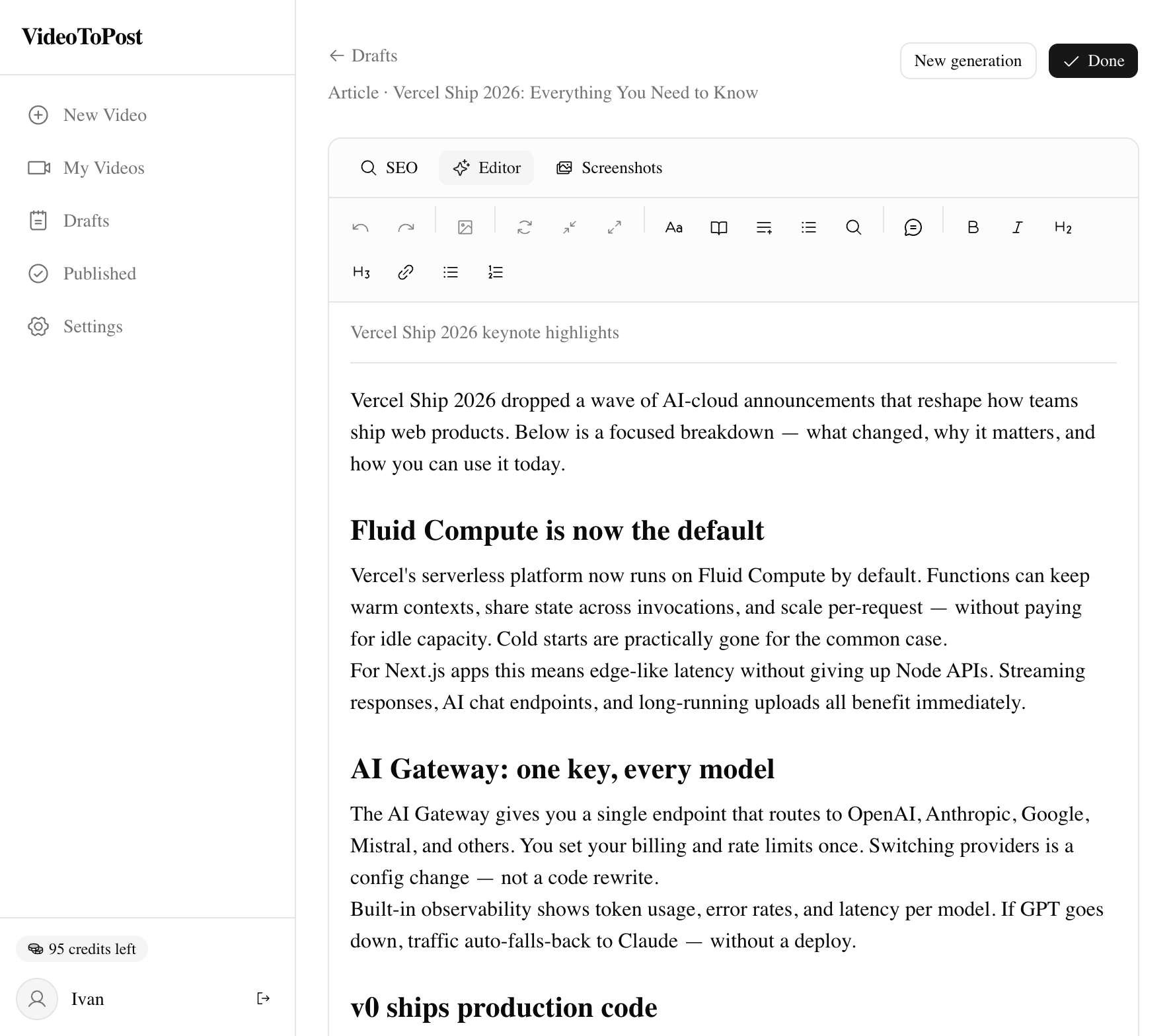
Get Your Article
Choose from 7 content formats. AI generates your article with SEO keywords, then edit with built-in AI tools and export.
Everything you need
Powerful features that make video-to-blog conversion effortless.
VideoToPost vs ChatGPT + Whisper vs doing it manually
The honest comparison.
| VideoToPost | ChatGPT + Whisper | Manual | |
|---|---|---|---|
| Time per 30-min video | 5 minutes | 30–45 minutes | 2–4 hours |
| Auto-screenshots at right moments | Yes — 5 frames per timestamp, sharpest pick | No | Manual frame grab |
| Output formats from one run | 7 formats | Re-prompt for each | Re-write each |
| Images embedded in matching paragraphs | Automatic | Manual stitching | Manual placement |

Hey, I'm Ivan. I built VideoToPost because I was tired of spending entire afternoons turning my own tutorials into blog posts. The transcript was easy. The screenshots — exactly at the right moments, looking crisp, mapped to the right section of the article — was the thing nobody automated well. So I did. If something feels off, ping me.
Simple, credit-based pricing
Start for free. Upgrade when you need more.
Frequently Asked Questions
What is VideoToPost?
VideoToPost is an AI-powered platform that converts YouTube videos into publish-ready blog posts. It automatically transcribes audio, captures key screenshots, and generates SEO-optimized articles in 7 different content formats.
How does video to blog conversion work?
You paste a video URL, and VideoToPost processes it in 3 steps: transcription (AI speech-to-text), visual analysis (identifying key moments for screenshots), and content generation (creating a structured article with embedded images). The entire process takes 2-5 minutes.
What content formats can I generate?
VideoToPost supports 7 content formats: articles for blogs, retellings for narrative content, Twitter/X threads, short posts for LinkedIn and Telegram, microposts for social media, discussion posts for Reddit and Quora, and concise summaries for newsletters.
How many credits does it cost?
Video processing costs 3-20 credits depending on video length (3 for under 15 min, 6 for 15-60 min, 12 for 1-3 hours, 20 for 3+ hours). Content generation costs 2 credits — the same regardless of format or whether you enable web search expansion (article only). AI editing features cost 1 credit each. The Free plan includes 10 credits per month.
How long does processing take?
A typical 30-minute video finishes in 4–6 minutes. Shorter clips (under 15 minutes) take 2–3 minutes. Hour-long podcasts: 8–12 minutes. The pipeline runs four stages — transcription, frame extraction, screenshot capture, and content generation — and you can watch each one update live in your dashboard.
Which languages does VideoToPost support?
Transcription auto-detects 99 languages. Article generation is available in English, German, Spanish, Portuguese, French, and Russian. Keyword research covers English, major EU markets, and Russian.
Is my video data private?
Yes. Audio extracted from your video is stored in your private storage and is never used to train AI models. You own the generated content. You can delete any job and its associated files from your dashboard, and they are removed from storage immediately.
How is this different from using ChatGPT plus Whisper manually?
Three things ChatGPT plus Whisper cannot do. First, screenshots: VideoToPost identifies which moments need a visual, captures five candidate frames per timestamp, picks the sharpest, and embeds it at the matching paragraph in the article. Second, structure: the AI writes the article around the transcript and screenshots together, not as two separate steps you stitch by hand. Third, formats: a single run produces the version you need — long-form article, X thread, LinkedIn post, newsletter summary — without re-prompting. A typical manual workflow is two to four hours per video; VideoToPost finishes in five.